01
Upload a receipt
Upload a photo, AI extracts the items, you review the itemized bill.
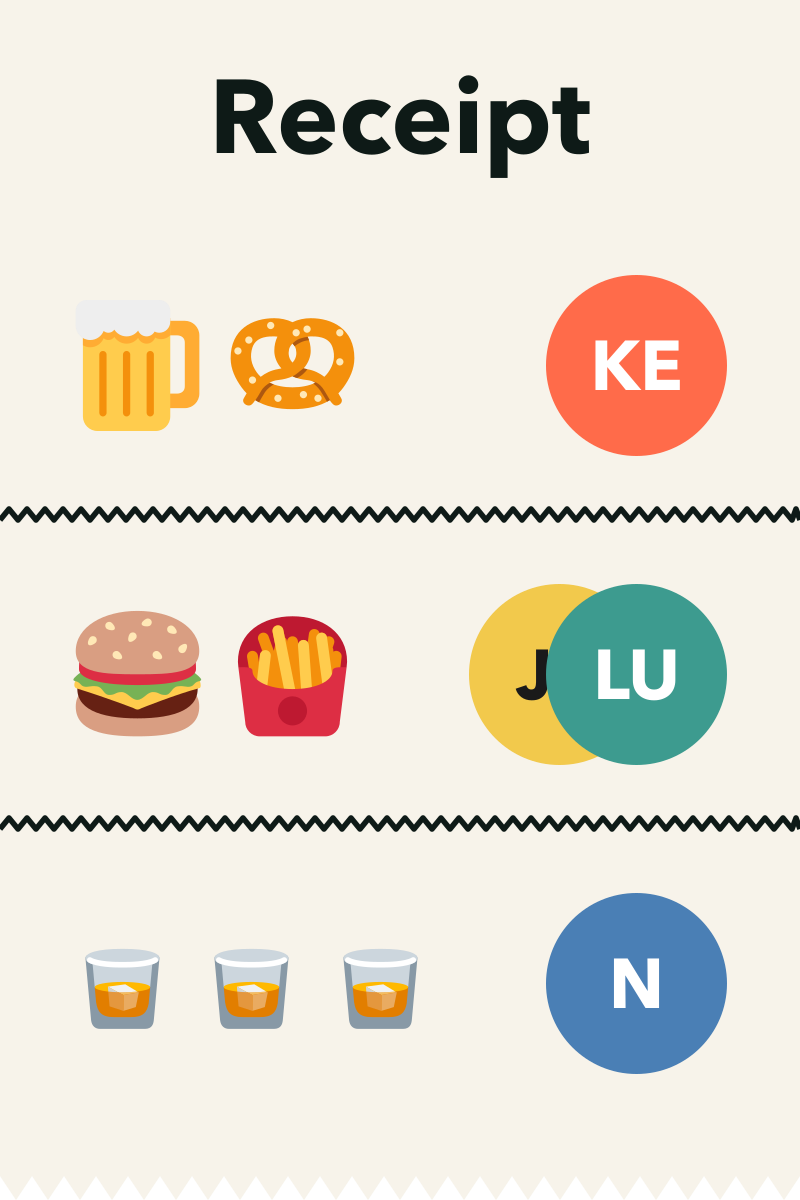
Snap the receipt, drop one link in the group chat, and everyone claims and pays their exact share — tax and tip included, down to the cent.
Upload a photo, AI extracts the items, you review the itemized bill.
Your friends click the link on their phones. No downloads or payment required—and no account needed to claim.
Friends tap what they had, right from their phones. We split tax and tip from each person’s claimed items.
One tap launches Venmo with the amount, recipient, and note already filled in — or shows the organizer’s Zelle details. No typing, no math.
No more getting stuck with the bill — we help keep track of what’s unclaimed and who still hasn’t paid.
Straight answers about itemized splitting, tax and tip math, payments, and privacy.
Upload a photo of the itemized receipt and AI extracts every line item. You share one link in the group chat, everyone taps what they ordered, and each person sees their exact share with tax and tip included. Guests then pay the organizer through Venmo or Zelle.
No. The bill link opens in any mobile or desktop browser, and guests can claim their items and see their total without installing anything or signing up. An optional email sign-in exists only to sync your own bill history across devices.
Proportionally to what each person claimed, by default — not per head. Split the Tab spreads tax, tip, and any card fees across the claimed items and distributes leftover pennies fairly, so everyone’s shares always add up to the exact receipt total. Organizers who prefer an even per-person split can choose that when creating the bill.
Shared dishes can be split into equal shares, so three people who split the guacamole each pay a third. Lines with a quantity, like two orders of tacos, can be claimed one unit at a time.
Venmo and Zelle. Paying with Venmo is one tap — the recipient, amount, and note come pre-filled. For Zelle, the organizer’s details are shown so guests can send their share. Split the Tab never holds or transfers money itself.
Yes. Creating a bill, sharing the link, and claiming items are all free, and nobody needs an account.
You review every extracted line before sharing. Fix names, prices, and quantities, add anything the scan missed, or enter the whole bill manually, so you can make sure everything matches the paper receipt before the link goes out.
Bill pages live behind unlisted links that are blocked from search indexing, and receipt uploads are kept in private storage. Guests see only the items, the shares, and the payment details the organizer chose to share for collecting.
The bill room shows what’s claimed, what’s still unclaimed, and who has paid. As money arrives, the organizer marks each person paid, so nobody is left covering the difference.
Yes. Any itemized receipt works the same way — bar tabs, takeout and delivery orders, grocery runs, or a shared hotel bill. If it has line items, it can be claimed and split.